
A pet camera can show whether a dog is resting by the door or whether a cat visits its feeding area, but video is only a narrow window into an animal’s day. Camera placement, network reliability, privacy controls, and the behavior you want to observe all matter more than a long list of flashy features. This guide helps you choose a useful system without confusing observation with caregiving. Read our veterinary disclaimer when interpreting possible distress or health changes.
The Federal Trade Commission warns that connected cameras can expose private livestreams if security is weak. Before choosing automatic treat launching or two-way audio, decide what question you actually want the camera to answer. For routine planning beyond monitoring, see our home-alone pet safety checklist.
Define a specific monitoring goal first
Write down whether you need a view of a resting bed, an entry door, a feeding area, or the space where pets interact. This choice determines camera angle, recording needs, and whether one device is enough. A wide room view can be useful for movement, while detailed inspection of a tiny food dish may need closer placement.
Do not expect a camera to resolve every behavior question. It may not show what happened behind furniture or whether a sound came from one pet rather than another. If your goal is evaluating distress, collect context and consult a qualified veterinarian or behavior professional rather than diagnosing from a brief recording.
Check field of view against the actual room
A camera’s stated angle describes its lens, not whether a sofa, curtain, or shelf blocks the relevant scene. Sketch the room and mark the pet’s common paths and resting places. Consider a swivel mechanism only if the camera can reliably move without losing essential coverage. A wider image may make distant details harder to see.
Mount the unit where it cannot fall, be chewed, or overheat near a radiator. Keep cables enclosed and out of reach. Avoid placing it in a litter box or quiet hiding space where a pet might be disturbed. Test what the lens can see in daylight and at the lower light levels of your normal evening.

Evaluate useful image quality and night behavior
Sharpness depends on lighting, distance, motion, compression, and the quality of the camera system. An impressive resolution number alone does not mean you can identify subtle movement across the room. Find sample footage at comparable distances, including dim conditions. Check whether night illumination uses visible lights or infrared and whether it bothers your animal.
Try a short recording when the pet moves through the scene. Look for blur, lag, and loss of detail where the pet usually rests. Some cameras shift into night mode with audible clicks or bright indicators. If your animal startles, adjust placement or settings rather than assuming it will adapt.
Understand motion and sound alerts before relying on them
Motion notifications may trigger when curtains move, light changes, or another person passes by. Some products classify people or pets, but false alerts and missed events remain possible. Determine whether you can mark specific regions or set a schedule, and whether those settings require a paid plan.
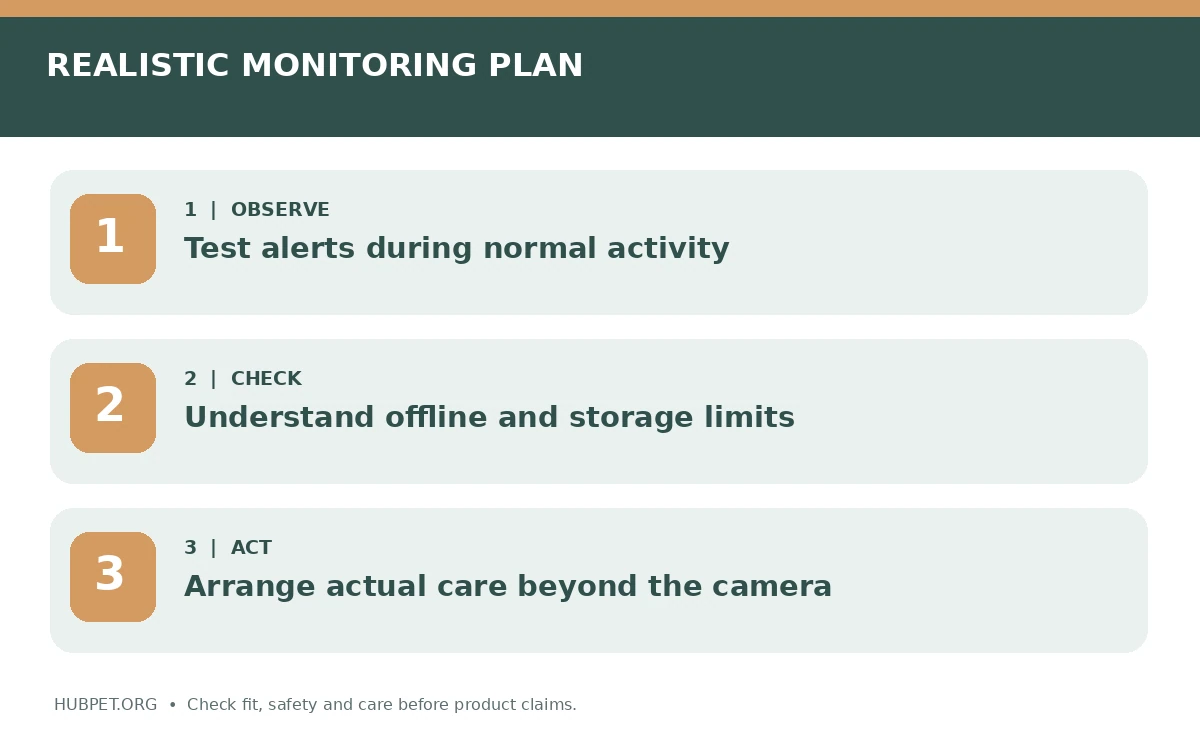
Check what happens when your phone is silent, the router restarts, or internet service drops. Treat notifications as prompts to investigate, not proof of trouble or safety. If regular alerts increase anxiety without changing care decisions, simpler scheduled checks may be more helpful.
Compare live view, local storage, and cloud recordings
Live video lets you look in the moment but may not explain an earlier incident. Recorded clips provide context if events are captured and retained long enough. Compare local memory cards, network storage, and cloud subscriptions by retention period, export options, and what occurs when storage fills.
Read the recording policy: some devices only save events, some record continuously, and others require a paid tier for history. If an app loses connection, determine whether video recording continues locally. Check the terms for deletion and retention of clips, especially when footage includes other people in your home.
Put security controls ahead of novelty features
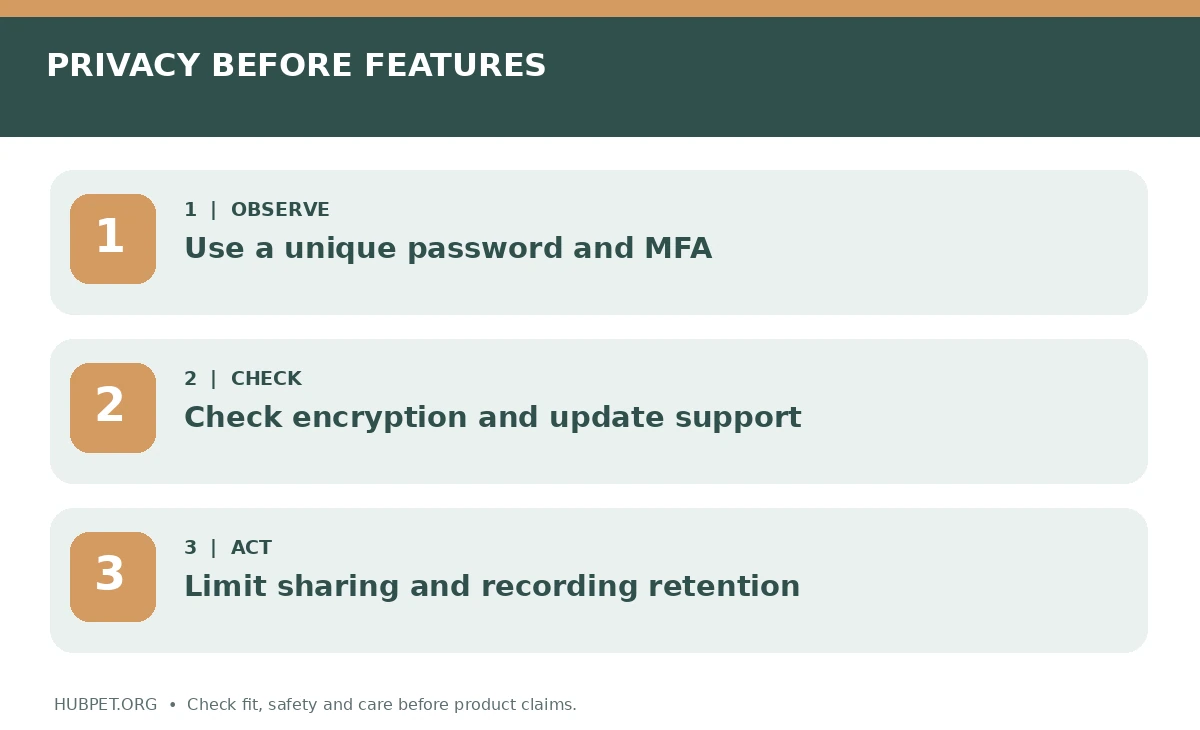
The FTC recommends investigating camera encryption, account protections, router security, and software updates before purchase. Look for multifactor authentication, unique user permissions, regular supported updates, and a clear way to disable remote access or microphones. Avoid products with unclear security support or default credentials that cannot be changed.
Use a unique password, update camera firmware, and secure the home Wi-Fi network. If a sitter needs access, offer a limited role when possible and remove it afterward. Check whether the vendor explains how to delete your recordings and account. A cheaper device can be costly if privacy protection is weak.
Be cautious with two-way audio and remote treats
Two-way speaking may seem reassuring to a person, yet a pet may hear a voice without finding its owner. Some animals show confusion or agitation. If you try the speaker, begin with a short calm session while a trusted person observes the animal. Stop using the feature if it appears to increase distress.
Treat dispensing adds food storage, moving components, and a new feeding routine. Verify treat dimensions, cleaning access, jam behavior, and the dog’s or cat’s dietary needs. Do not use remote treats for a pet that guards food from housemates, swallows objects, or follows a strict diet without veterinary guidance.
Test Wi-Fi strength and power-failure behavior
A camera that regularly disconnects provides less value than its specification sheet suggests. Check signal strength at the intended mounting location and whether the product supports your router’s wireless bands. Some devices require continuous power and internet for remote monitoring. Note what the app shows when the connection fails.
Run a test by turning off the app or temporarily restarting your own router when the pet is safely supervised; do not engineer a dangerous absence. Learn whether the device reconnects automatically. Record which family members receive outage warnings. A power loss should never disable the ordinary ventilation, water, or safety equipment on which a pet depends.
Design placement around your pet’s comfort and privacy
An elevated shelf may provide a broad view without creating a tempting cable or chew hazard. Avoid pointing cameras into private bedrooms or shared spaces without considering other household members. Notify guests and caregivers when recording is active, and respect relevant laws and consent requirements in your area.
Keep indicator lights, rotating motors, and speaker volumes from disrupting a quiet rest spot. A pet that changes sleeping location to avoid equipment is offering useful feedback. Our calm space guide describes places that should remain comfortable with or without a camera.
Finish with an operating and care plan
Compare the full cost of hardware, mounting, cloud storage, subscription renewals, and potential accessories. Confirm what still works if you cancel the service. Test a few everyday scenarios: a pet crosses the room, a visitor arrives, and the network briefly disappears. Review footage afterward to learn what the camera actually captured.
A pet camera is a supplement to planned visits, safe containment, enrichment, exercise, and veterinary care. It cannot refill water, stop a household hazard, or treat separation-related distress. Choose the least intrusive system that reliably answers your specific question, and make time to review whether recording continues to be necessary.
How We Research
We prepared this guide using animal welfare guidance and practical questions owners can ask about size, materials, supervision, fit and safe use. We did not purchase or independently test products, and we do not rank brands or claim veterinary endorsement. On October 26, 2026, our editorial review considered these sources. Learn more about HubPet and our editorial approach. This material does not replace advice for a specific animal from its veterinarian.
Sources
Federal Trade Commission: How to Secure Your Home Security Cameras. Accessed October 26, 2026.
Federal Trade Commission: Securing Your Internet-Connected Devices at Home. Accessed October 26, 2026.
ASPCA: Feline DIY Enrichment. Accessed October 26, 2026.
Not always. Some devices offer local recording while others lock recordings, notifications or cloud history behind recurring plans. Check the official current feature list and cancellation terms.
A recording may provide observations, but it is not a diagnosis. Discuss concerning vocalizing, panic, destruction or self-injury with a veterinarian or qualified behavior professional.
No. Some pets may respond calmly while others become more distressed when they hear a familiar voice without seeing the person. Test carefully and stop if behavior worsens.
Look for encryption, strong account authentication, supported security updates, limited sharing permissions and clear ways to disable recording or delete stored clips.
Choose a secure position with useful visibility and protected cables, while respecting household privacy and avoiding disruptive lights or sounds near your pet’s rest area.